CLI Overview
The Tracks CLI is a command-line tool for creating and managing Go web applications. It generates production-ready code following Go best practices.
Installation
See the Installation Guide for setup instructions, including package managers, Docker, and direct downloads.
Key Features
- Multiple Output Modes - Console, JSON, and TUI (Phase 4). See Output Modes
- Smart Mode Detection - Automatically adapts to CI, TTY, and piped environments
- Cross-Platform - Works on Linux, macOS, and Windows
- Environment Variable Support - Configure via
TRACKS_*variables
See Commands Reference for available commands and flags.
Getting Help
# General help
tracks --help

# Command-specific help
tracks new --help
tracks db --help
tracks db migrate --help

# List all commands
tracks help
Quick Start Example
Creating a new project is simple:
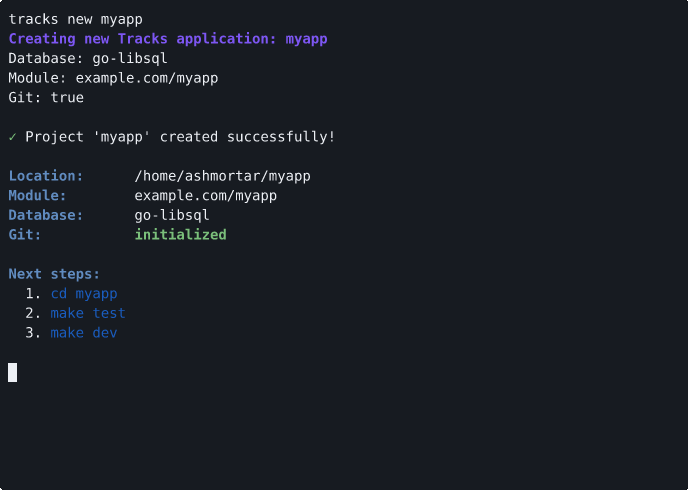
See the Quickstart Tutorial for a complete walkthrough.
What's Next?
- Commands Reference - Complete command list
- Output Modes - Detailed output format guide
- Contributing Guide - Development guide